
Printable setup kit
Parent Tech Quick-Start Kit
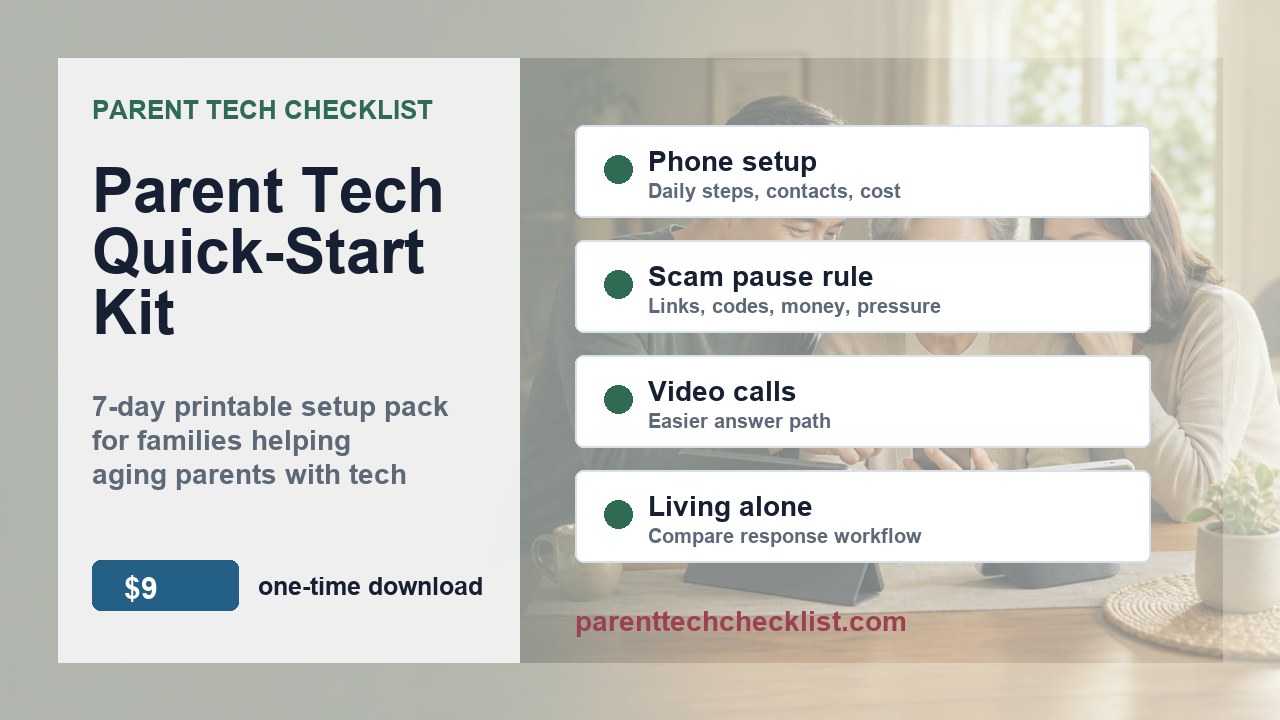
A $9, one-time download for US families: five printable planning worksheets plus a filled seven-day family video-call example (six PDFs total). Use the example to plan one setup week before buying or changing technology.
Built for family decisions, not product hype
This kit is for adult children and family caregivers who need a practical setup conversation before buying devices or changing phone settings.
- Use it before you buy a senior phone, smartwatch, smart display, or call blocking tool for a US household.
- Use it again before handing a device to your parent.
- Keep it as a monthly review checklist for missed calls, confusing prompts, and setup friction.
Fit check
Buy this when the next device decision needs a calmer process
Try the format first
One family decision you can make today
Discuss a scam-call pause rule with one adult family member. Agree on a pause phrase, choose who to call back, and decide where to keep the rule. The kit includes a worksheet and a filled, fictional seven-day family video-call example.
What is inside
Six PDFs for one family setup week
Know the files before checkout
The $9 ZIP contains six US Letter PDFs, a README, and a cover image:
- 01-7-Day-Parent-Tech-Setup-Plan.pdf
- 02-Senior-Phone-Buying-and-Setup-Checklist.pdf
- 03-Scam-Call-Family-Pause-Rule-Pack.pdf
- 04-Video-Call-Setup-Checklist.pdf
- 05-Living-Alone-Tech-Comparison-Worksheet.pdf
- 06-Worked-Seven-Day-Family-Example.pdf
Read 06 first, then fill in 01, then open only the worksheet you need.
Filled examples
See how a filled worksheet looks
These are fictional, illustrative examples of all five planning worksheets in the kit, including a 7-Day Parent Tech Setup Plan for a family video-call week. They are not a real family's result and are not a promise of an outcome.


Free on this site and in the $9 kit
Free on this site
These four shorter public checklists are different files from the five kit worksheets.
- Senior phone setup checklist
- Scam call safety checklist
- Video calling setup checklist
- Living alone tech checklist
In the $9 kit
- A printable 7-day family setup plan and four topic worksheets
- A filled, fictional seven-day family video-call example
- Six US Letter PDFs in one ZIP, with a README and cover image
Delivery, help and refund information
Gumroad handles checkout, the receipt and access to the digital files. Keep the receipt so you can return to your download. Open the ZIP, read the README and filled example, then start your own 7-day plan; print only the pages you need.
If a file will not open or an instruction is unclear, contact Parent Tech Checklist with the product name, a receipt reference and the file or step involved. Do not send passwords, payment card details or private information about your parent.
Before paying, review the current refund terms displayed on the Gumroad product or checkout page. This preview does not promise additional refund rights or override those terms. A click on the checkout link is not a completed purchase.
Need a second pass?
Personalized Setup Review — waitlist only, no checkout yet.
$29 Personalized Setup Review waitlist
This is a demand test for families who want a lightweight checklist review after completing the kit. It would stay limited to setup friction, family handoff, and comparison questions.
Affiliate disclosure: This product page does not include vendor or affiliate links. Other Parent Tech Checklist guide pages may include Amazon associate links. Commissions do not change the price you pay.
FAQ
Is the filled example a real family's result?
Fictional and illustrative; it is not a real family result or a promise of an outcome.
Do I need to buy a new device to try it?
The example's first 20 minutes use an existing phone and a video-call app that is already signed in. Read it first, then adapt the blank plan to your family. Pause if consent, sign-in, or a comfortable next step is unclear.
What is the difference between the free PDFs and the $9 kit?
The four free site PDFs are shorter public checklists and are different files from the five kit worksheets. The $9 kit adds five printable planning worksheets, a filled fictional seven-day example, and one ZIP with a README and cover image.
What format do I receive?
One ZIP contains six US Letter PDFs, a README, and a cover image. It is a one-time download with no subscription; it is not an app.
How do refunds work?
Review the refund terms shown on the Gumroad product or checkout page at the time of purchase. A click on checkout is not a completed purchase.
Can I print the pages?
Yes. Print only the pages you need.
Is this medical, legal, or emergency advice?
No. This is general technology education, not medical, legal, financial, cybersecurity, or emergency advice. No checklist or device can guarantee safety, stop every scam, or replace emergency services and family check-ins.